In UX design, consistency, efficiency, and scalability are key to seamless digital experiences. A design system is a powerful tool that helps design teams achieve these goals by offering a unified approach to design and development. This article explores what a design system is, when it's needed, best practices for implementation, and its significance in modern UX design.
What is a Design System?
A design system is a comprehensive set of guidelines, components, and tools that are used to create and maintain a consistent user interface across different products and platforms. It serves as a single source of truth for the design and development team, ensuring that every element of the product's UI adheres to the same standards.
Key Components of a Design System:
- Style Guide: Defines the visual elements such as color palettes, typography, icons, and spacing. It ensures that the visual identity remains consistent across all touchpoints.
- UI Components: Reusable interface elements such as buttons, forms, and navigation bars that can be used across different products. These components are typically coded and ready for implementation.
- Patterns: Design patterns are recurring solutions to common design problems, such as how to handle navigation or display data. Patterns help ensure a consistent user experience.
- Documentation: Provides detailed guidelines on how to use the design system, including instructions for designers, developers, and other stakeholders. Documentation ensures that the design system is implemented correctly.
Title Type Company Open
 Space Design System Portfolio —
  Becoming a Figma Ninja with Base Components Case study Ux Collective
  Building and Scaling a Design System in Figma Case study Toptal
  Developing the Zomato design system Case study Zomato
 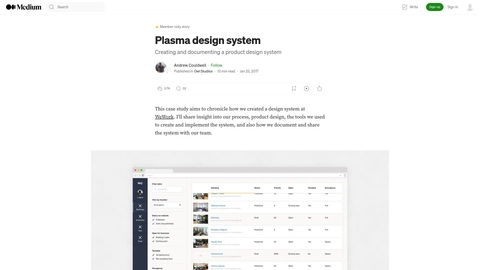 Plasma design system. Creating and documenting a product Case study Owl Studios
 5 case studies, hand-picked
See the full UX case study gallery.